
Create backups for your CMS with Softaculous Apps Installer, which supports a large number of popular PHP CMS today.
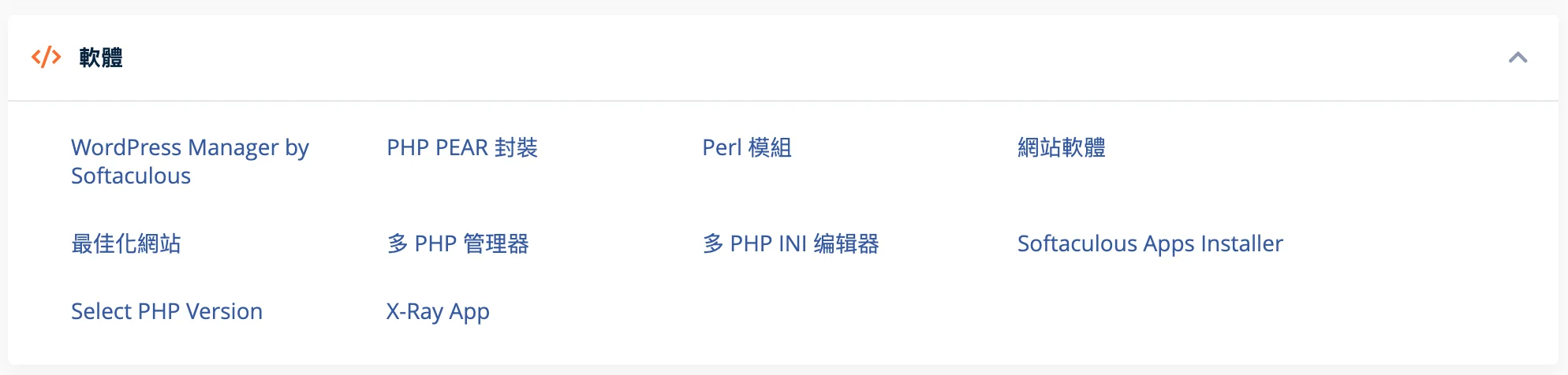
- Login to cPanel and click Softaculous App Installer in "Software" to enter the management interface.
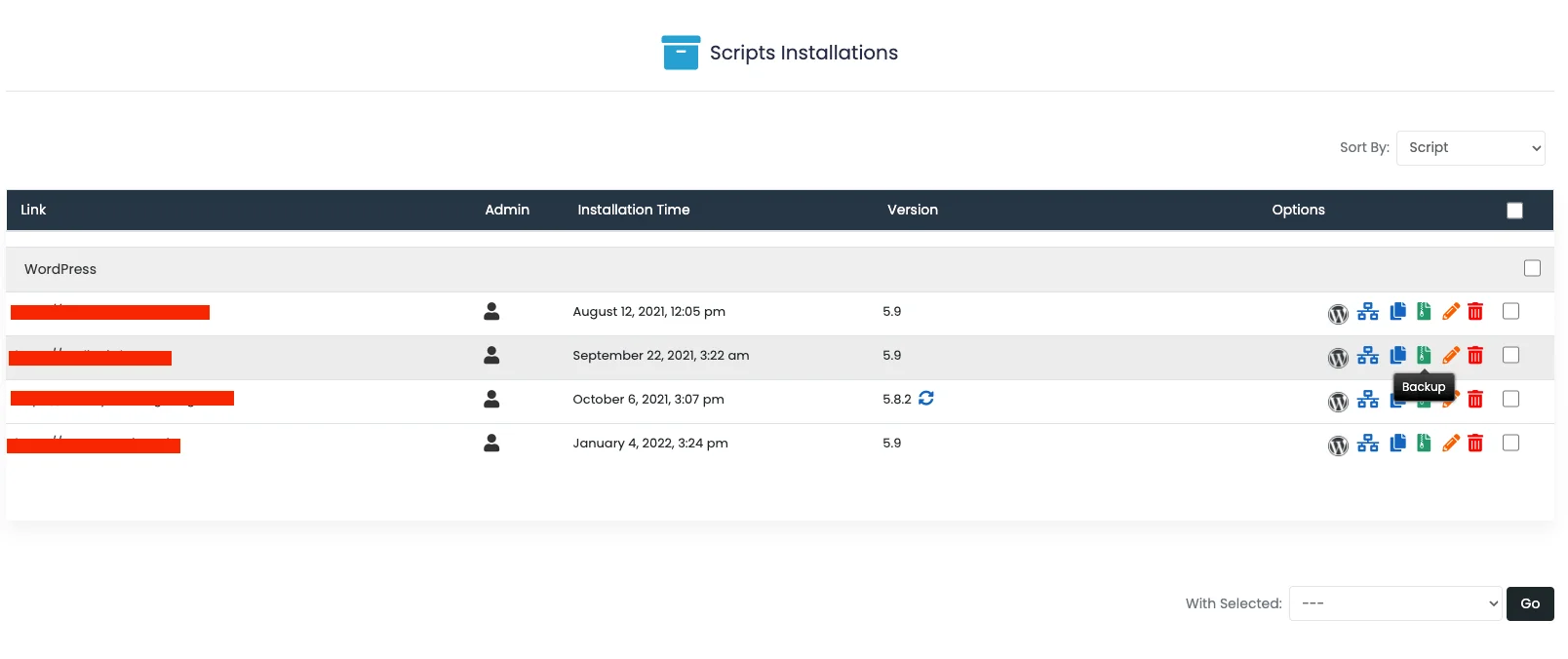
- Click Installations

- In the target you need to backup, click the "Backup" icon
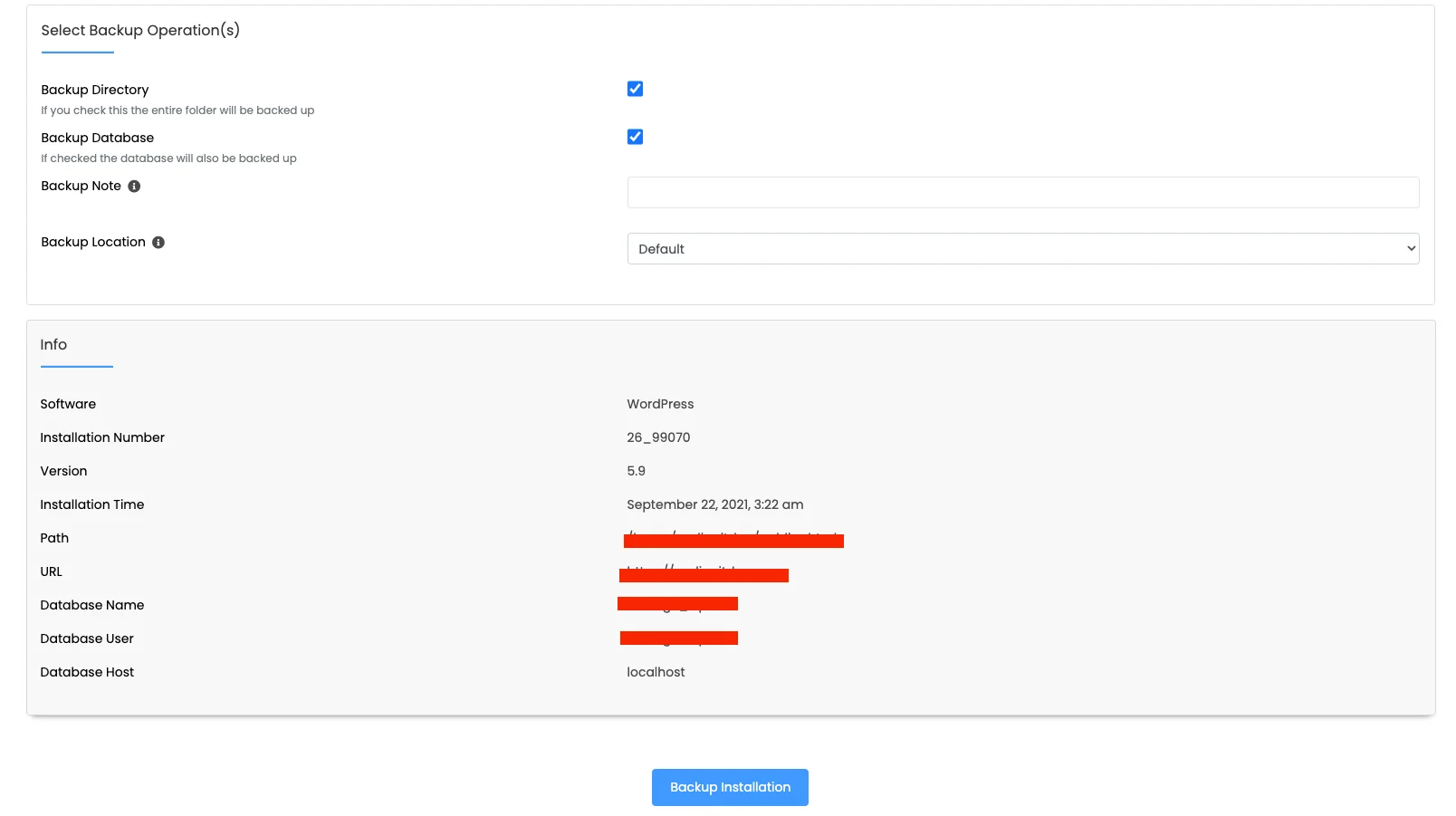
- Then go to the Confirmation and Settings screen, confirm the following information and click Backup Installation to complete the backup
To restore the backup, please refer to: Restore Website Backup